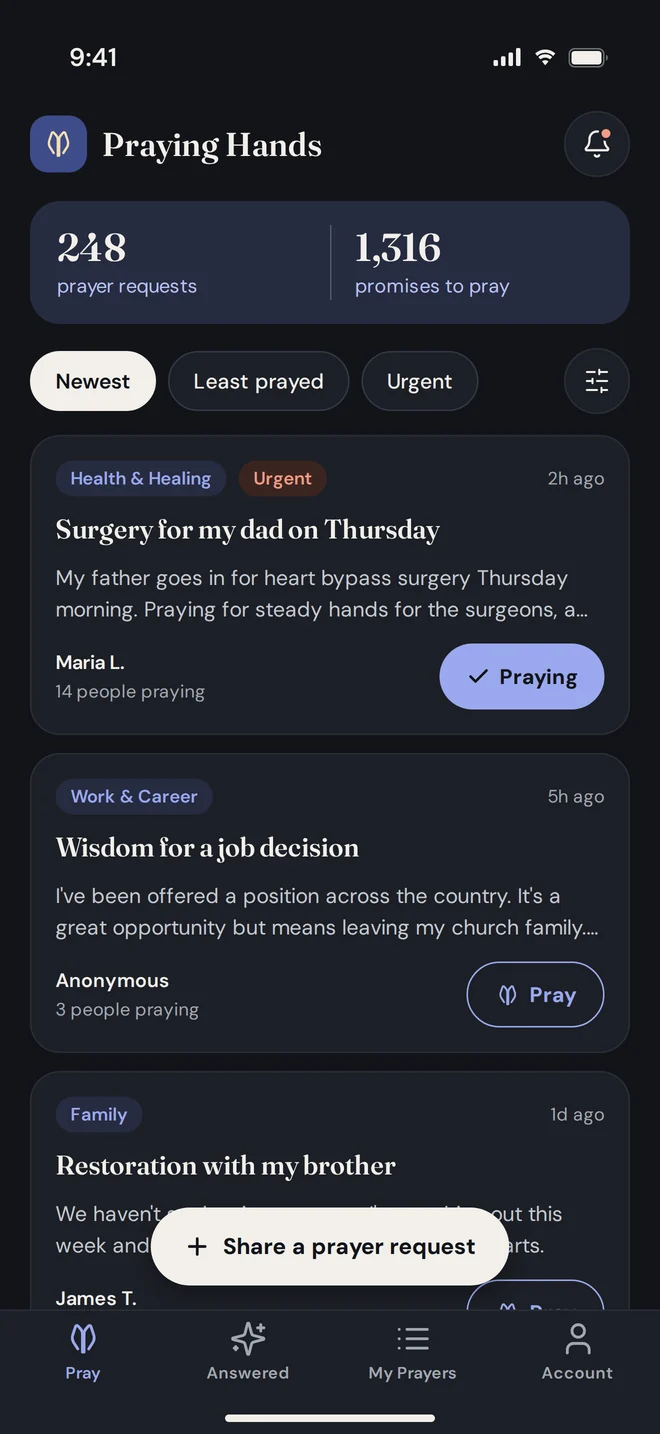
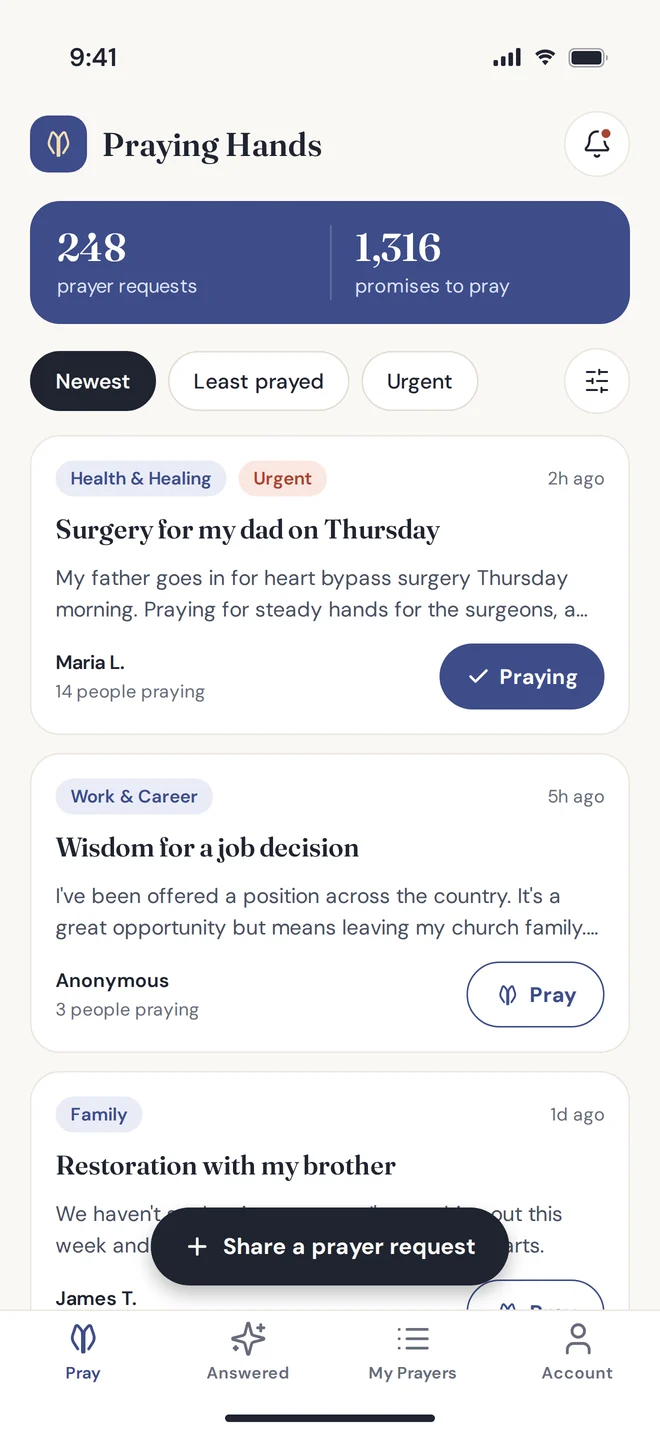
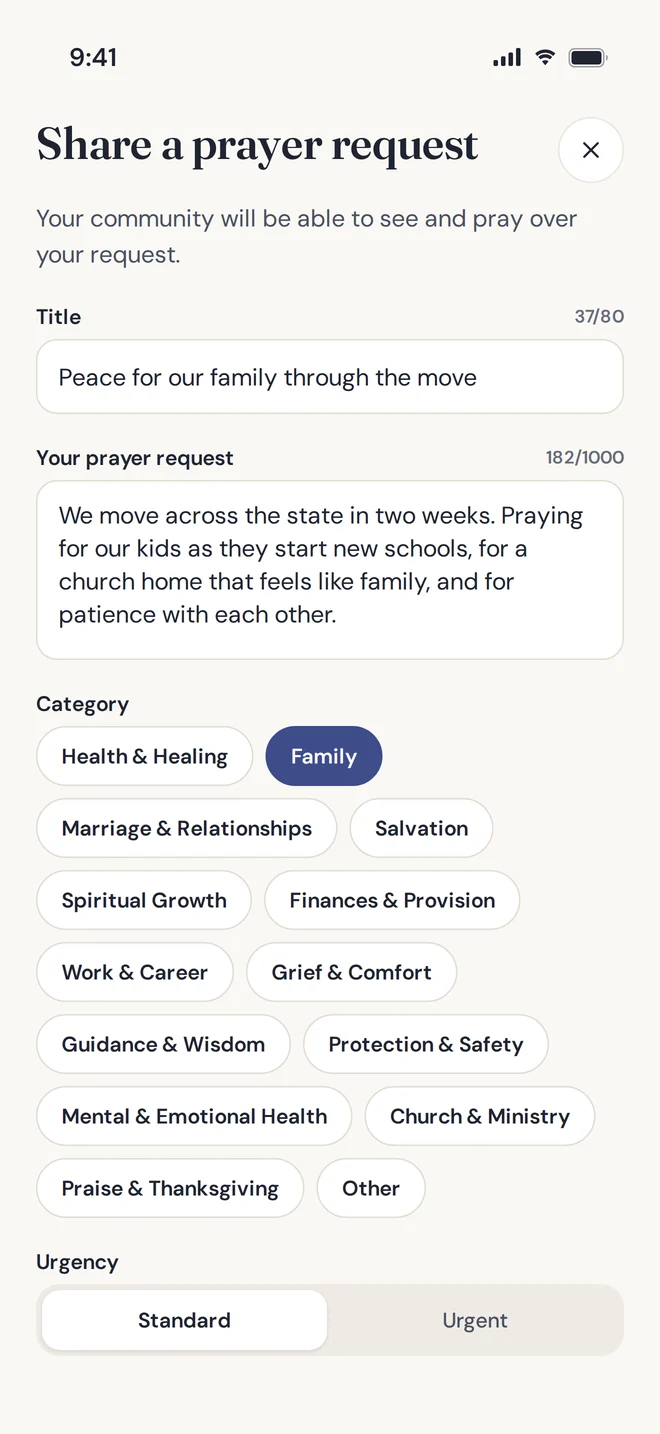
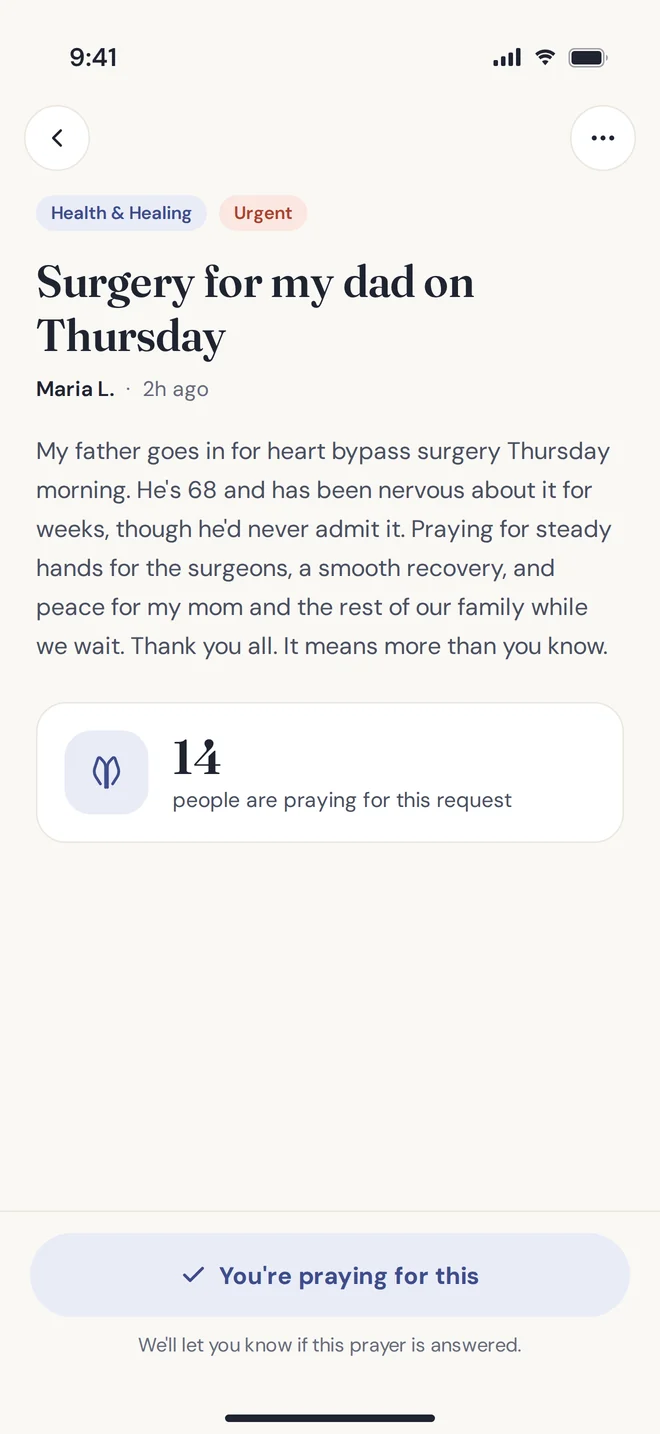
To report a specific prayer request, you can also tap "…" on the request in the app.
Do I need an account?
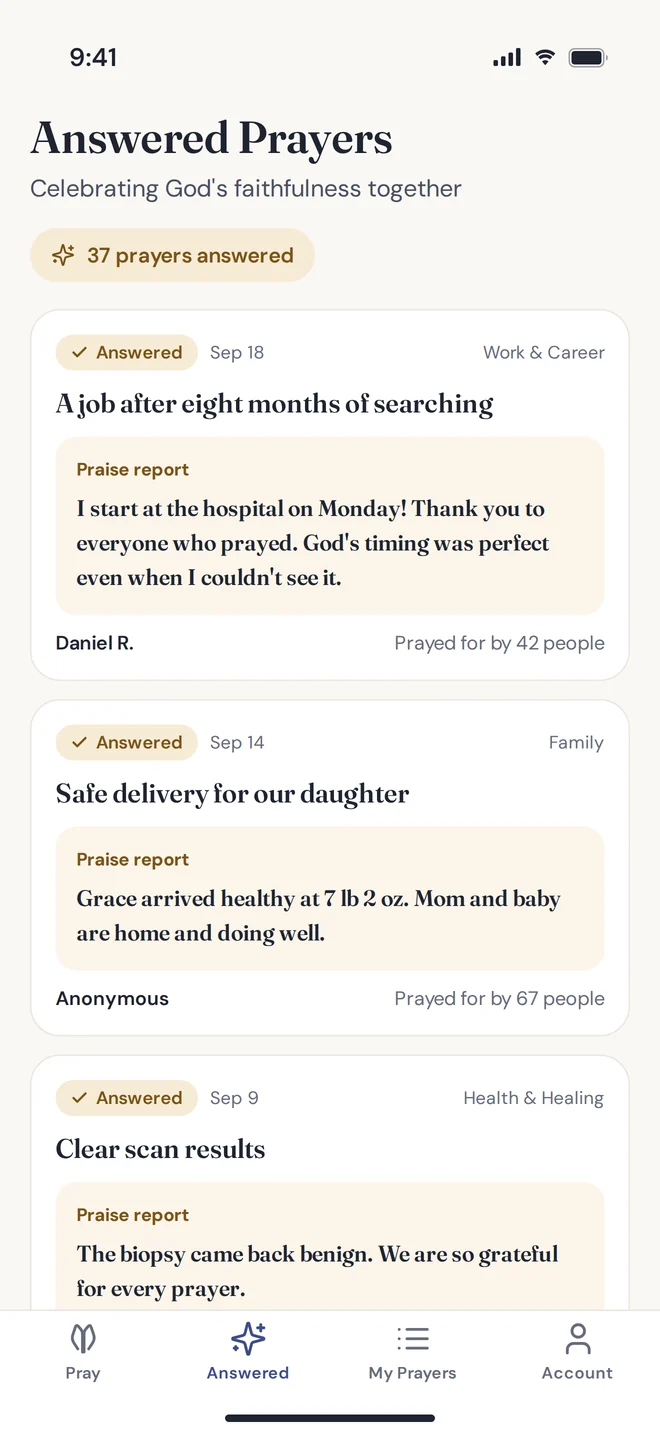
No. Anyone can browse requests and share one without signing in. Requests shared without an account are posted anonymously. Create a free account to pray for others, see how many people are praying for you, and share praise reports.
Who can see my prayer requests?
Prayer requests are visible to everyone who uses the app. Others see your first name and last initial, or "Anonymous" if you post anonymously. Your email address is never shown, and no one can see which requests you're praying for.
How do I edit or delete a prayer request?
Open the request and tap "…" in the top right corner. You'll see options to edit it, mark it answered, or delete it. To remove a request you shared without an account, email us.
What happens to older requests?
Requests stay in the community feed for about 30 days. Before a request moves to your personal archive, you'll get a reminder to keep it active, share an update, or mark it answered.
How do I report something inappropriate?
Tap "…" on the request and choose "Report this prayer," or choose "Hide prayers from this person" to stop seeing their requests. Reported requests are reviewed by our team.
I forgot my password.
On the sign-in screen, tap "Forgot password?" and enter your email. We'll send a link to choose a new password. Open it on the phone where the app is installed.
How do I delete my account?
In the app, go to Account, then Delete account. This permanently deletes your account and all of your prayer requests.